
5 Claude Code skills I actually use (out of 40 I installed)

Tien Nguyen
· 8 min read
I have installed close to 40 Claude Code skills. I actually use 5.
The rest rot in a folder I never open. Collecting skills turned out to be the new version of hoarding browser bookmarks: you save 40, you reach for 5, and the other 35 are just there to make you feel productive.
So here are the 5 that survived, what I run each one for, and the one pattern that predicts which skills stick and which ones you will never open again.
The 5 that survived
In the order I lean on them:
- superpowers (by obra): engineering discipline, every project
- claude-seo (by AgriciDaniel): the SEO grind on a content site
- claude-blog (same author): drafting posts that rank
- marketing skills: barely, because I am an engineer, not a marketer
- design: except what I actually use is a file, not the skill
Here is the same list with what I actually run each one for, and how often it gets opened:
| skill | by | what I run it for | how often |
|---|---|---|---|
| superpowers | obra | TDD, debugging, planning, code review | every project |
| claude-seo | AgriciDaniel | keyword research, on-page audits, schema | daily, content site |
| claude-blog | AgriciDaniel | drafting posts that rank and get cited | daily, content site |
| marketing skills | coreyhaines31 | ads, copy, CRO, cold email | a few times, then never |
design / DESIGN.md |
me | stop the generic UI slop | every frontend task |
The pattern under all of it, if you only remember one thing: the skills I use are wired into a project I touch every week. The ones I bookmarked “for later” never got opened once.
1. superpowers (install this one first)
My favorite, no contest. I run it on every project, including the site you are reading.
It gives Claude real engineering reflexes instead of vibes: test-driven development, systematic debugging, planning before code, actual code review with checkpoints. When I ask it to add a feature, it writes the failing test first and makes me watch it fail before it writes the implementation. That is the exact discipline I would expect from a senior engineer, and it is the closest thing to senior-engineer instinct I have found packaged in a skill.
superpowers is open source (MIT, 233k stars when I grabbed this), and you can see the shape of it from the repo: a skills/ tree of disciplines plus plugin entry points for Claude Code, Cursor, and more.
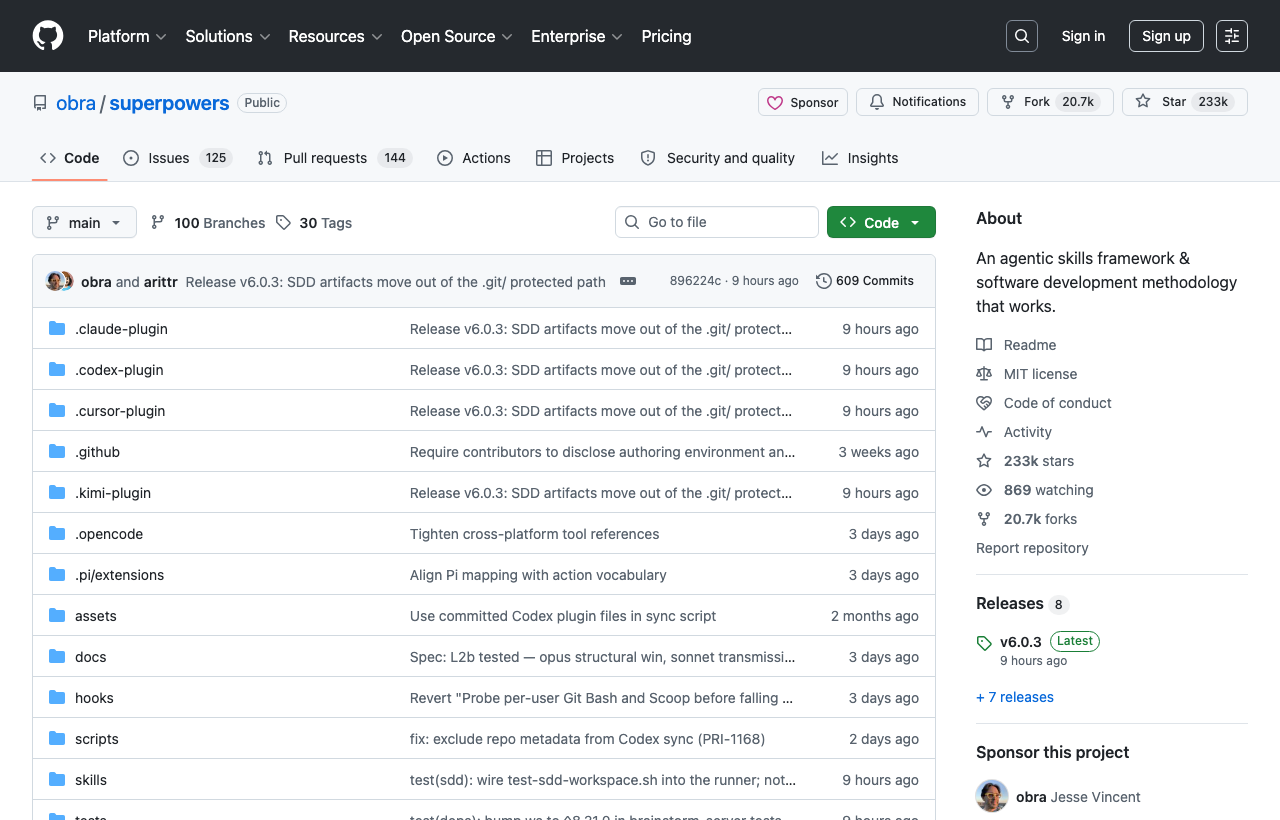
The honest reason it sticks: it is not topic-specific. SEO skills only fire on a content site. Superpowers fires on literally everything I build, so it is in my daily path by default.
If you install one thing from this whole list, make it superpowers.
2. claude-seo (the busywork I would never do by hand)
I run this daily on a content site I am building on the side.
Keyword research, on-page audits, schema markup, the whole SERP grind. This is all the SEO work I know matters and would never actually sit down and do myself. Left to me, “do keyword research” sits on a todo list for three weeks. With the skill it just happens while I am working on something else.
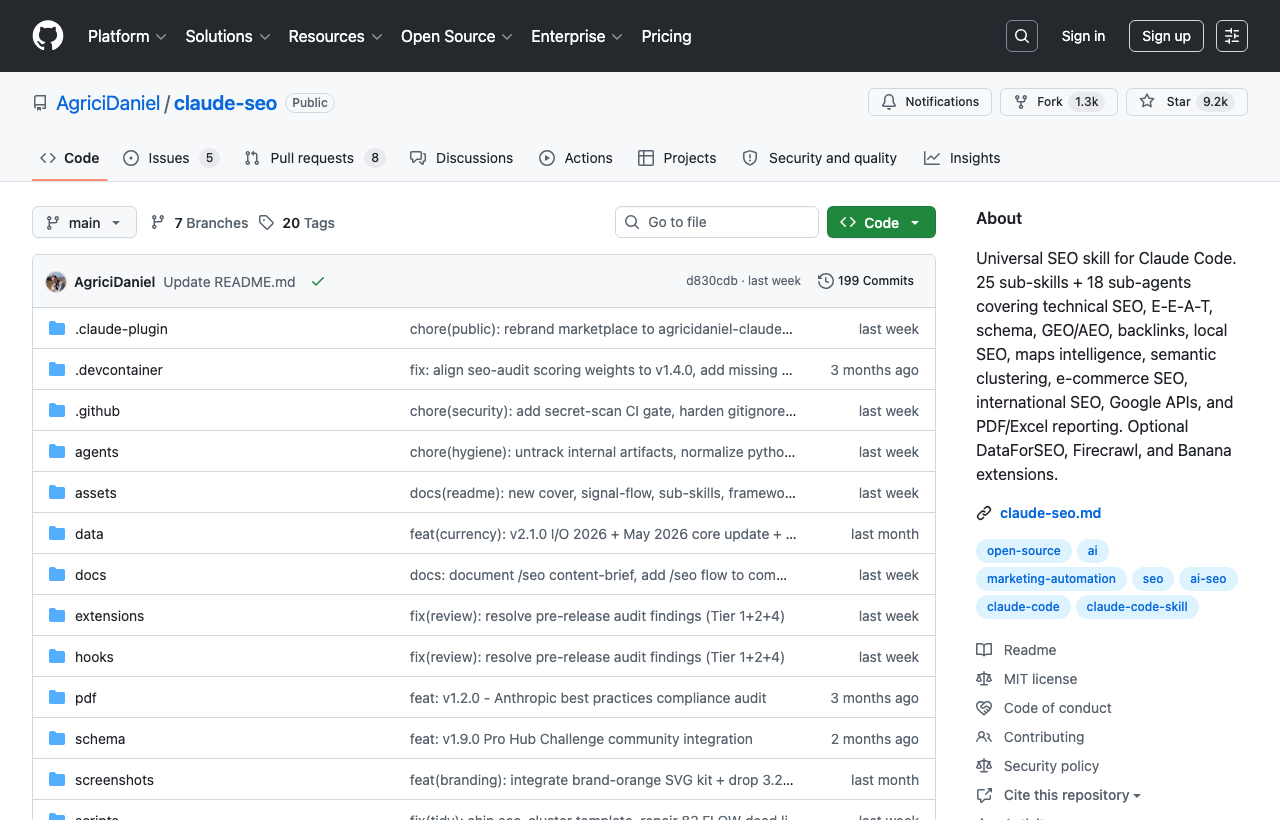
It turned SEO from a chore I avoid into a step that runs as part of the pipeline. Credit to AgriciDaniel: claude-seo.
3. claude-blog (drafts that rank instead of word soup)
Same author, and it pairs with the SEO one on that same site.
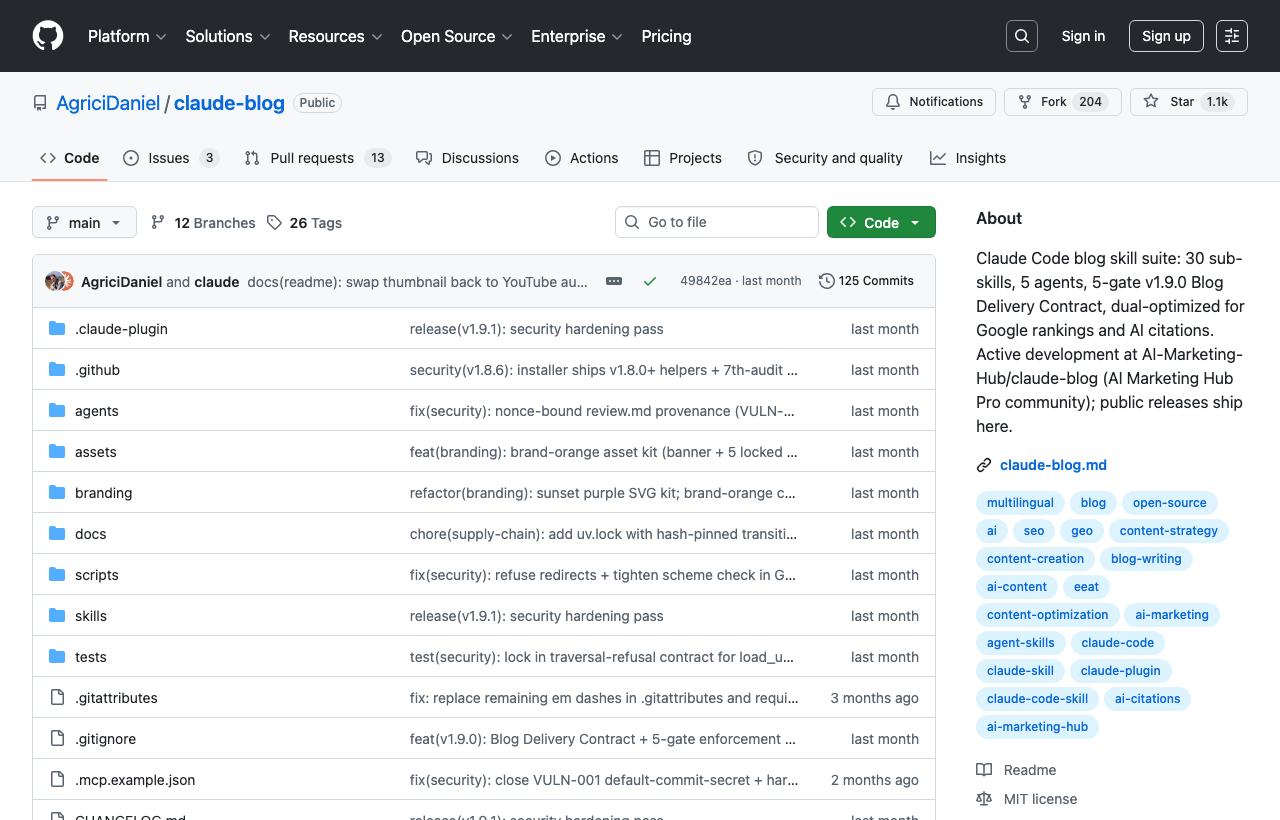
It drafts and structures posts so they actually rank on Google and get cited by AI search, instead of reading like generic filler. The two skills together run most of my content pipeline now: one decides what to write and audits it, the other writes the first honest draft.
I am using a version of exactly this stack to ship the post you are reading. Here is claude-blog.
4. marketing skills (great lane, wrong lane for me)
Honest take: as an engineer I barely touch these.
I used a couple on one side project and that was the end of it. But that is a me problem, not a quality problem. If you are in marketing or sales, marketing skills by coreyhaines31 is genuinely good: ads, copywriting, conversion optimization, cold email, the whole kit. I keep it installed for the one week a quarter I have to think about distribution, and ignore it the rest of the time.
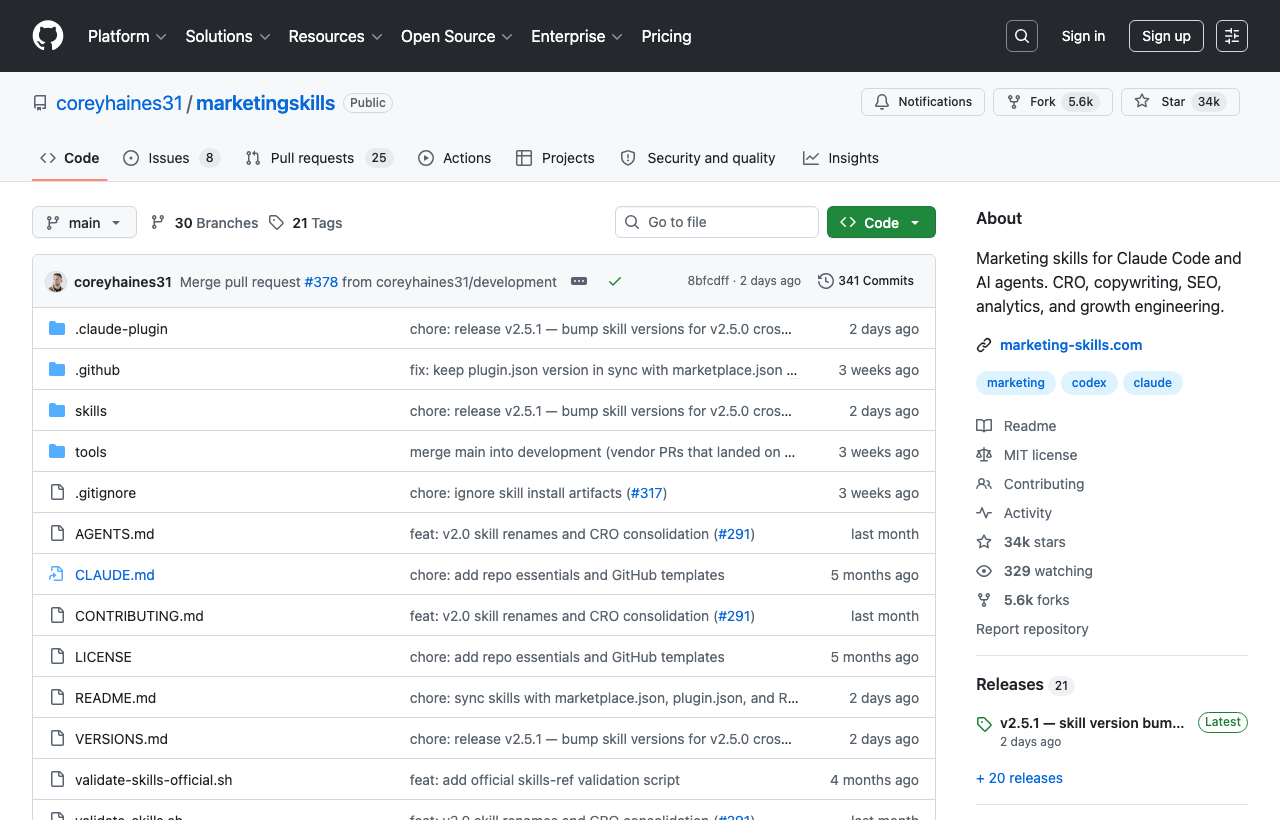
This is the first hint of the pattern: a skill that is not in my weekly path gets used once and forgotten, no matter how good it is.
5. design, and this one is a confession
I tried the design and impeccable skills to audit UI copy, and they are solid.
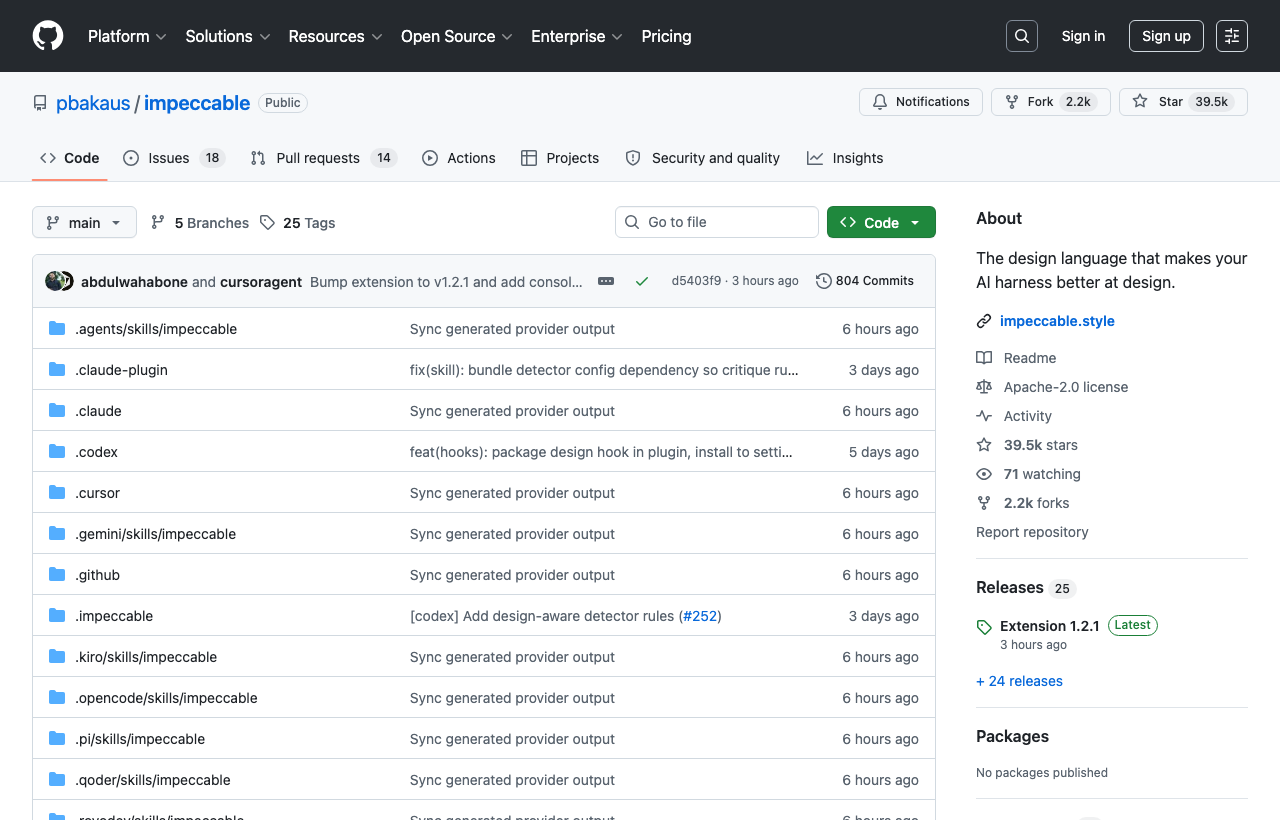
But I do not really lean on a design skill day to day. The thing that actually fixed my UI is dumber than a skill.
I stopped telling Claude Code to “make it look clean.” Every time I did, it handed me purple gradients, glassy cards, and a Lucide icon on everything. The same generic AI slop.
The fix is a DESIGN.md: one markdown file describing the visual system (palette, type, spacing, component rules). I drop it in the project root and reference it, and the agent stops guessing and builds in that language instead.
And I do not write it from scratch. I pull a ready-made one. getdesign.md has 70+ DESIGN.md files for brands you already know (Vercel, Stripe, Figma, Notion, Linear, Anthropic, Apple): drop one in and the agent builds UI in that brand’s design language, which is great when you already know the look you want. Refero is searchable by brand, mood, color, type, or URL, and each entry carries colors, type, spacing, components, and a DESIGN.md. getdesign is more popular. Refero has more breadth, and it is the one I actually reach for.
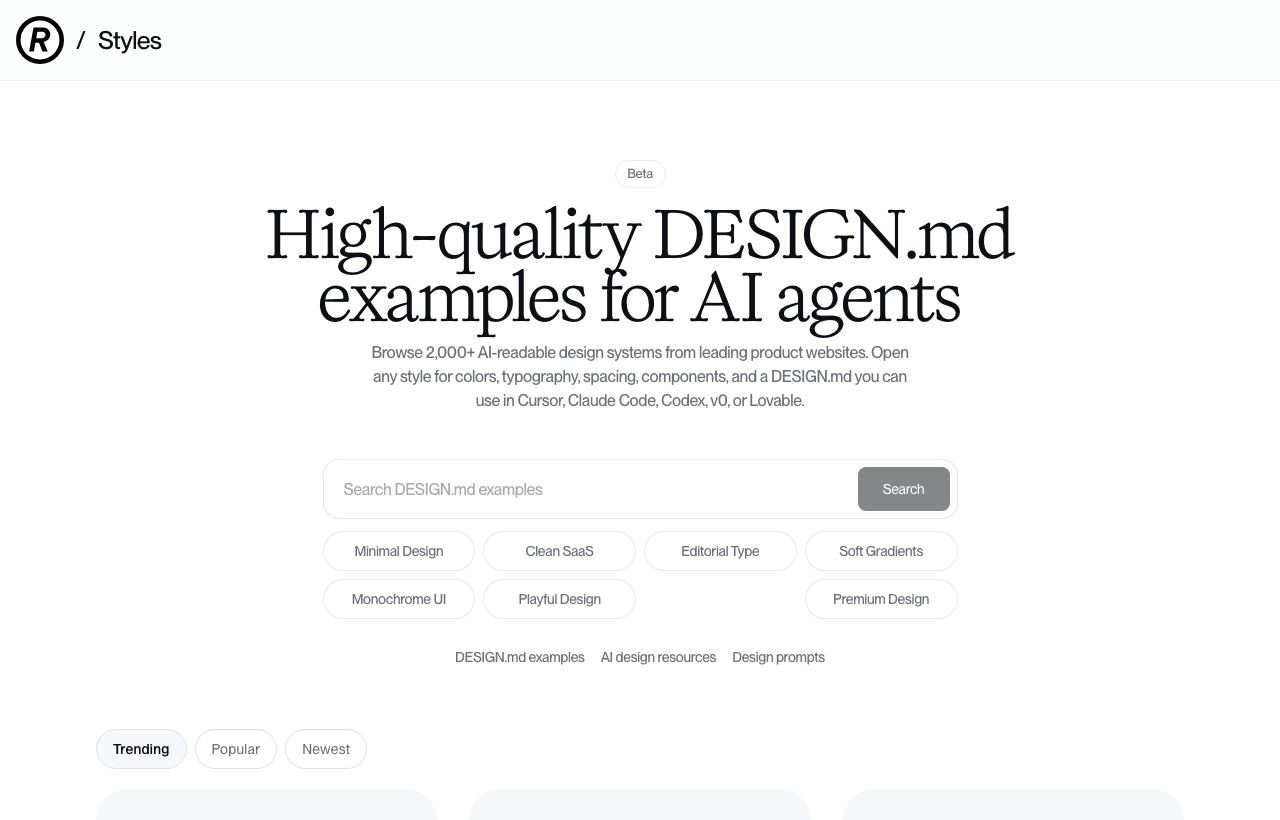
That is not really a skill. It is a file someone else already wrote, dropped into my repo, that the agent reads on every task. It moves the output more than any design skill I installed.
The pattern: skills stick when they live in a weekly project
Here is what I noticed staring at the 35 I never open.
The skills I use are the ones wired into something I touch every week. Superpowers rides along on every build. The SEO and blog skills are bolted to a content site I work on constantly. The marketing skills, which are genuinely good, fell out of rotation the moment my weekly work stopped needing them.
So the install decision is not “is this skill good”. Almost all of them are fine. The real question is “is this wired into a loop I am already in”. If the answer is no, it does not matter how good it is. It becomes a bookmark, and bookmarks rot.
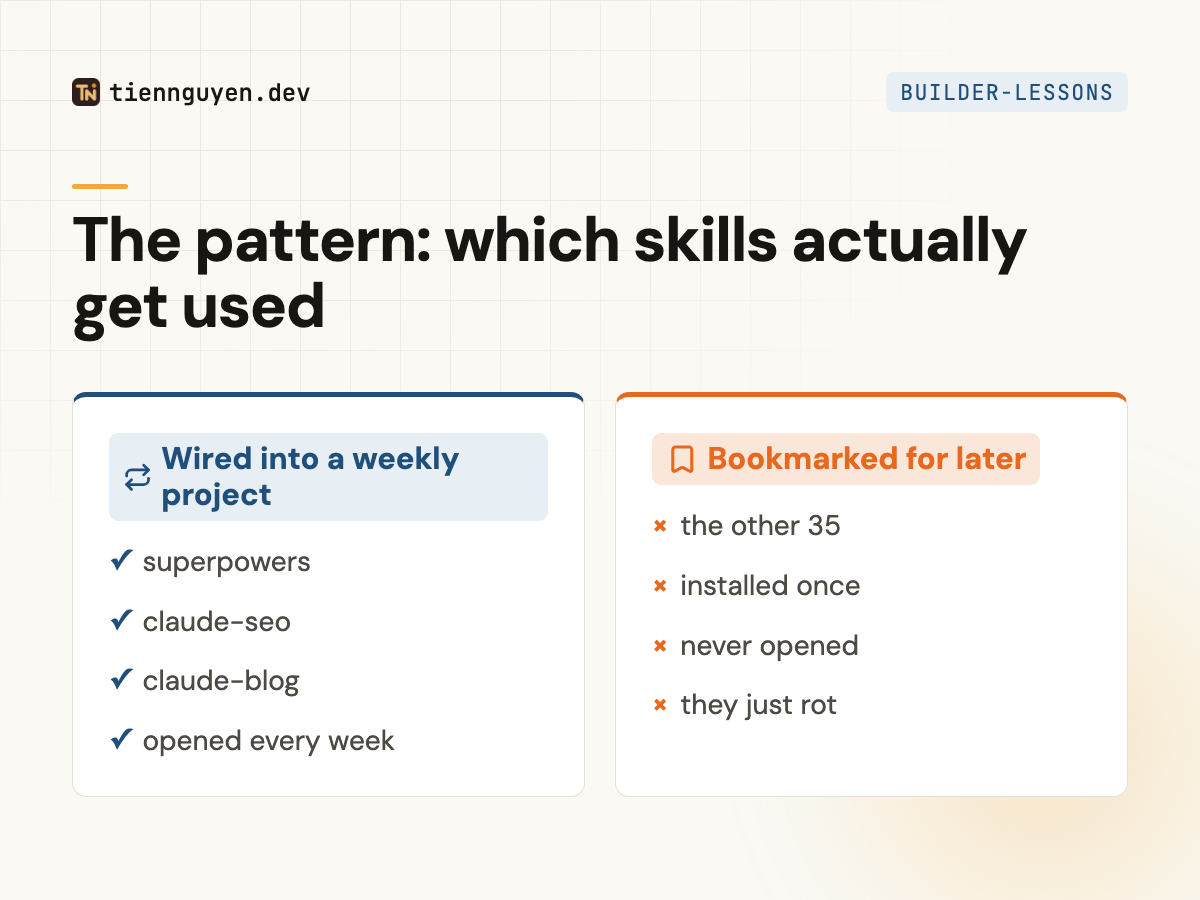
I learned this the expensive way by installing 40 of them.
What I would tell you to install
Start with superpowers, because it applies to everything you build, which means you cannot forget it.
Then add skills only when a project you already touch every week needs them, not when a thread tells you they are amazing. A skill you open once is worse than no skill, because it costs you the time to install it and the false sense that the work is handled.
If you want the rest of the boring stack I run AI-first, it is on my uses page, and I wrote about building this whole site that way.
What is actually in your 5?
Keep reading
Tien Nguyen
· 8 min read
How to master React in 2026 (when AI writes the code)
How to master React in 2026: AI writes competent React now. The render model, re-renders, state architecture, and effects, past the tutorials.
Read article
Tien Nguyen
· 7 min read
How to learn React in 2026: the AI-first roadmap
How to learn React in 2026: a step-by-step AI-first roadmap. The JavaScript to learn first, what to build, and how to use AI as a tutor without faking it.
Read article
Tien Nguyen
· 8 min read
Is React easy to learn? An honest 2026 answer
Is React easy to learn? Yes to start, hard to master, and AI changed the curve. The honest answer, the JavaScript you need first, and how to learn it in 2026.
Read articleLiked this? Let's build something.
I take on a small number of front end and AI-engineering projects, and I'm always up for talking shop. Tell me what you're working on.